PixelArtistry

Kimi K3.1 Pro · ComfyUI · Blender · Godot

I built a game with Kimi K3.1 and only local 3D AI

Kimi K3.1 Pro ran in the Kimi Code terminal and drove ComfyUI, Blender and Godot through MCP. Every concept image and every 3D model was generated on my own PC. Here's the whole setup, what worked, and what didn't.

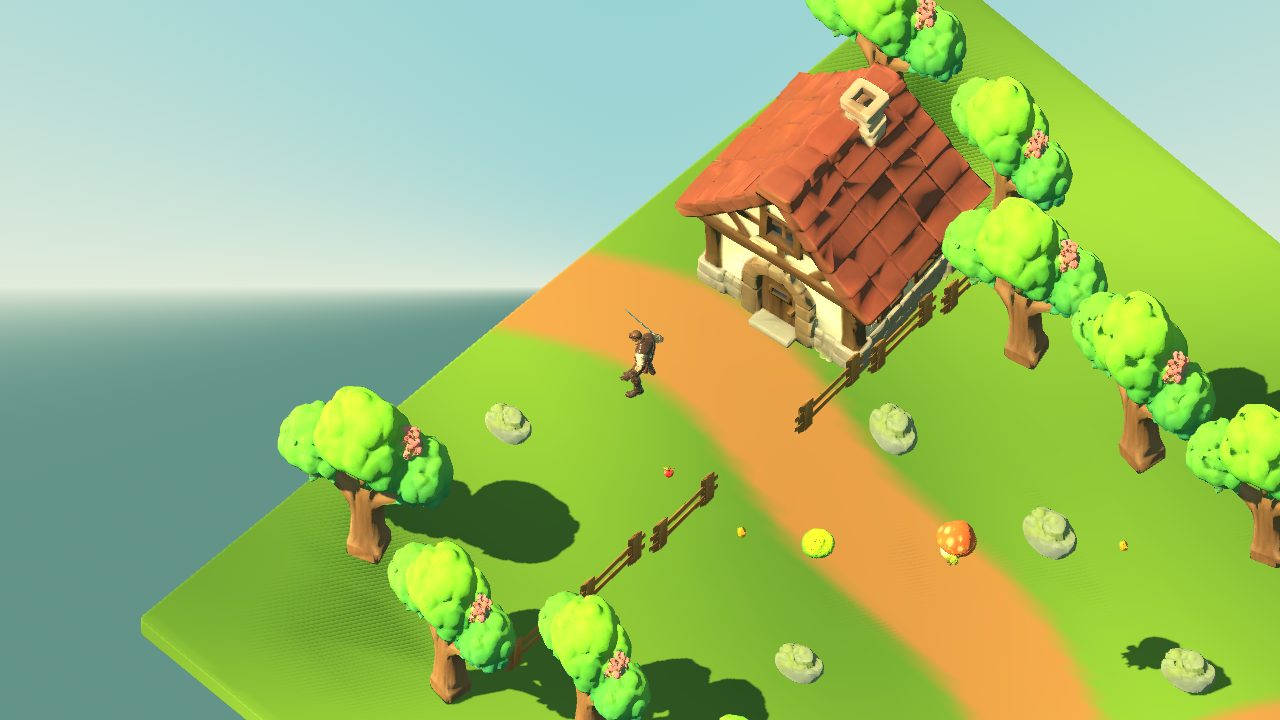
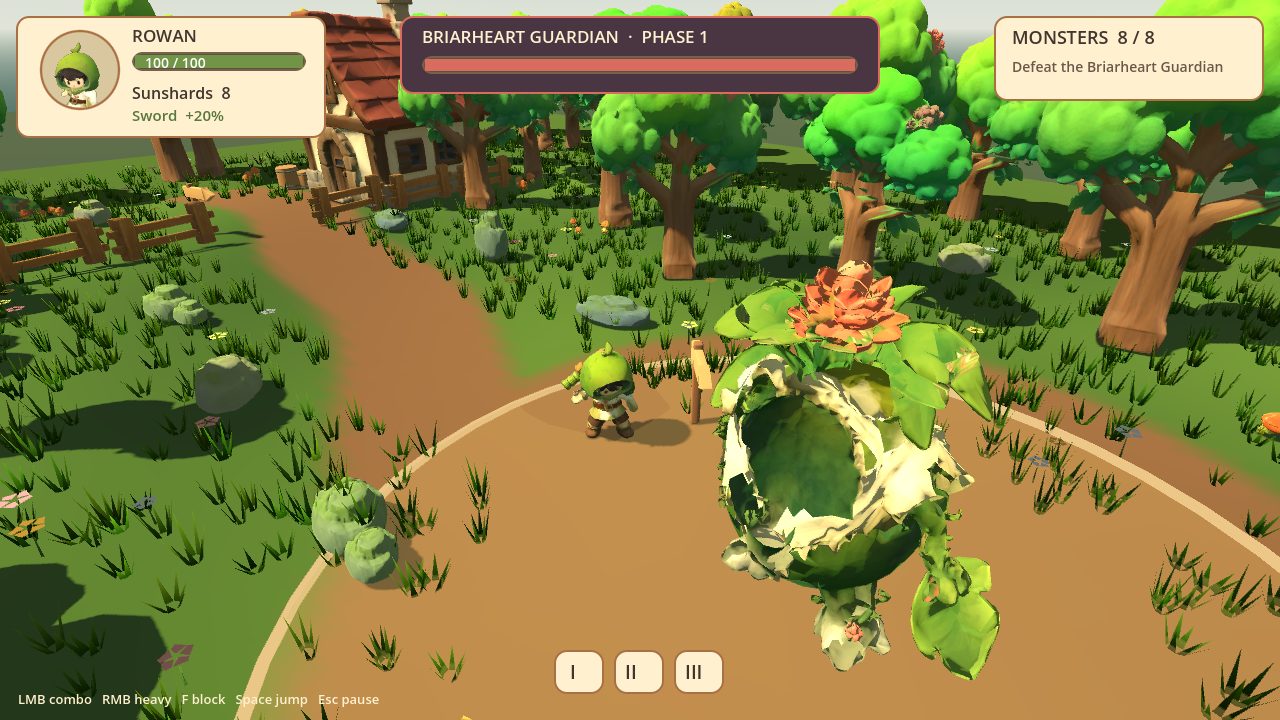
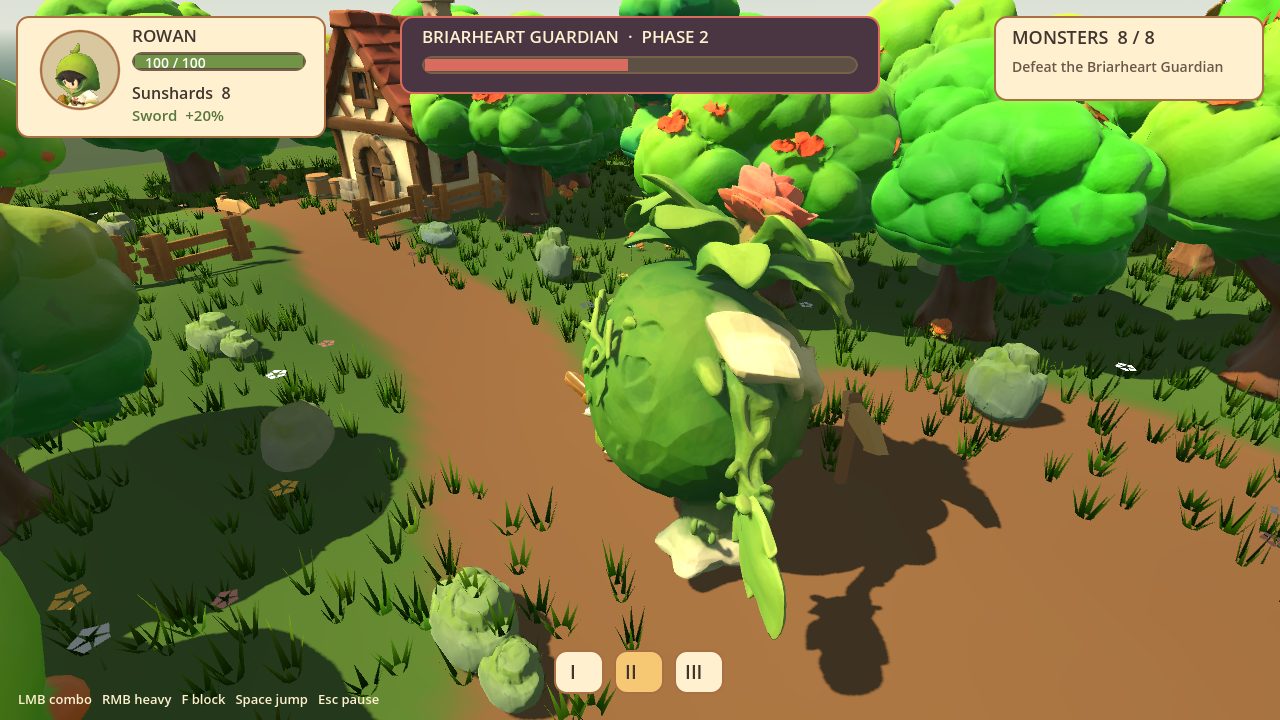
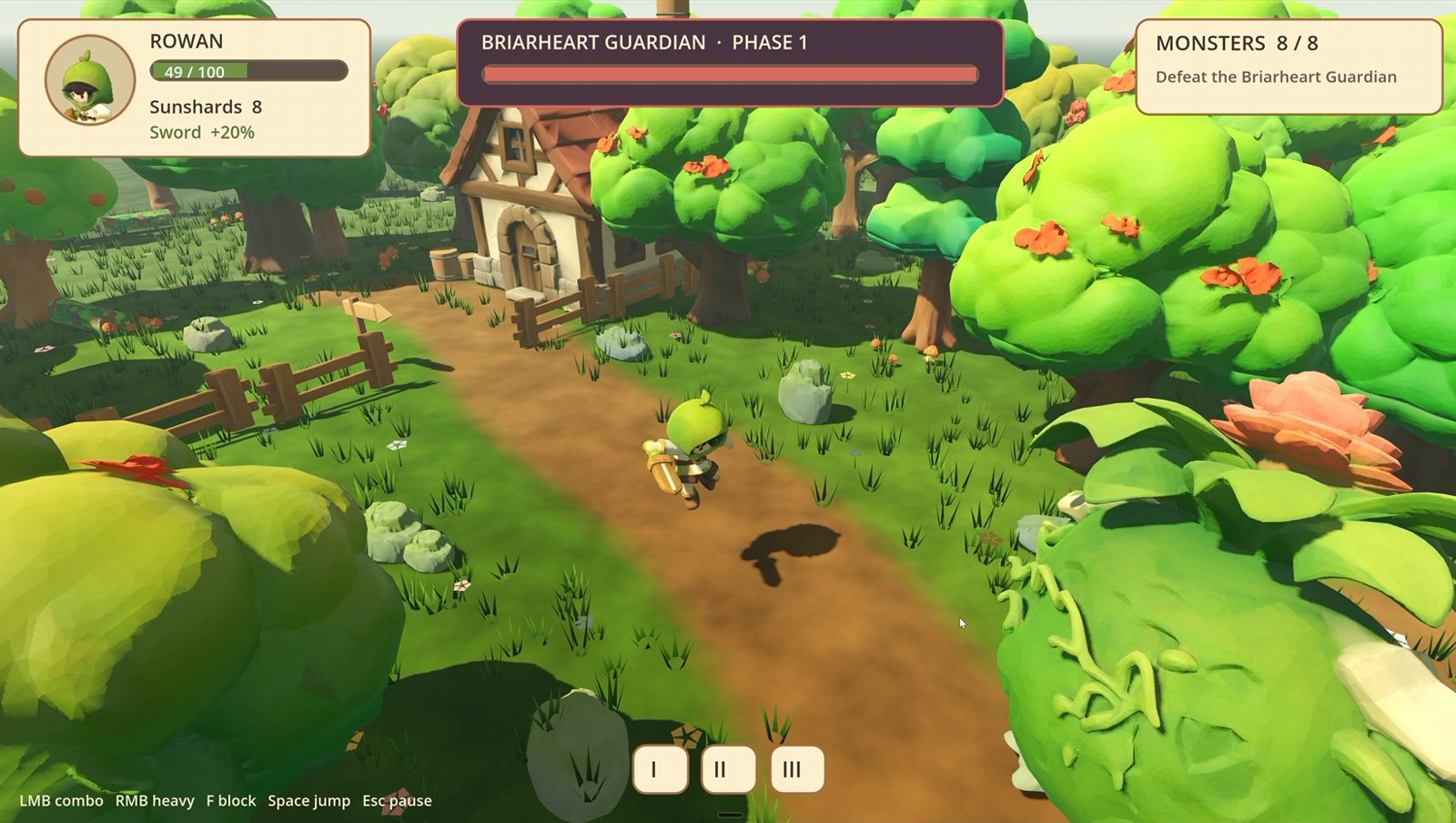
The finished game: Rowan with his sword on the forest path, facing the Briarheart Guardian, with the HUD at the top
Briarwood, the finished game: Rowan against the Briarheart Guardian. Kimi built the level, the gameplay and the HUD; every asset came out of my local pipeline.
10local 3D assets + hero
3apps, one agent
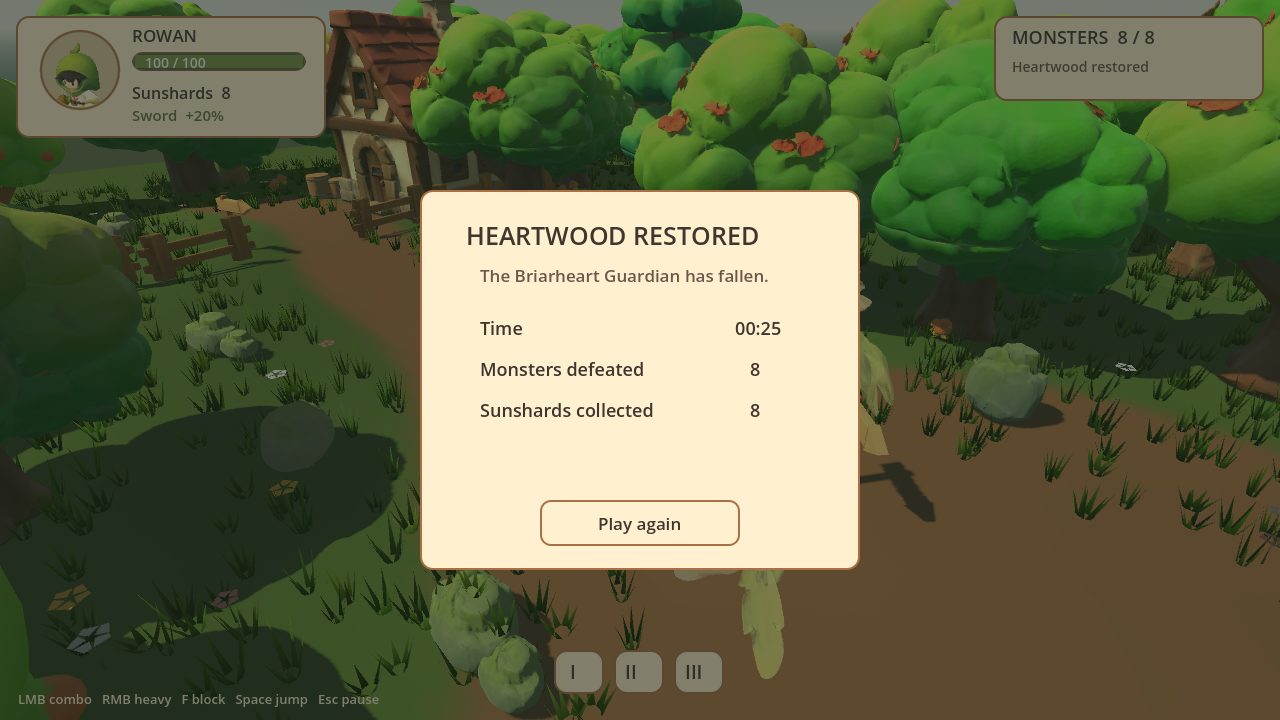
21/21self-playtest checks
7–9 GBVRAM peak, 3D steps

The pipeline

I gave Kimi one style reference and asked for a tiny action game I could build in about a day. Then it went through four stages, each one in a different app, all from the same terminal.

  1. 1

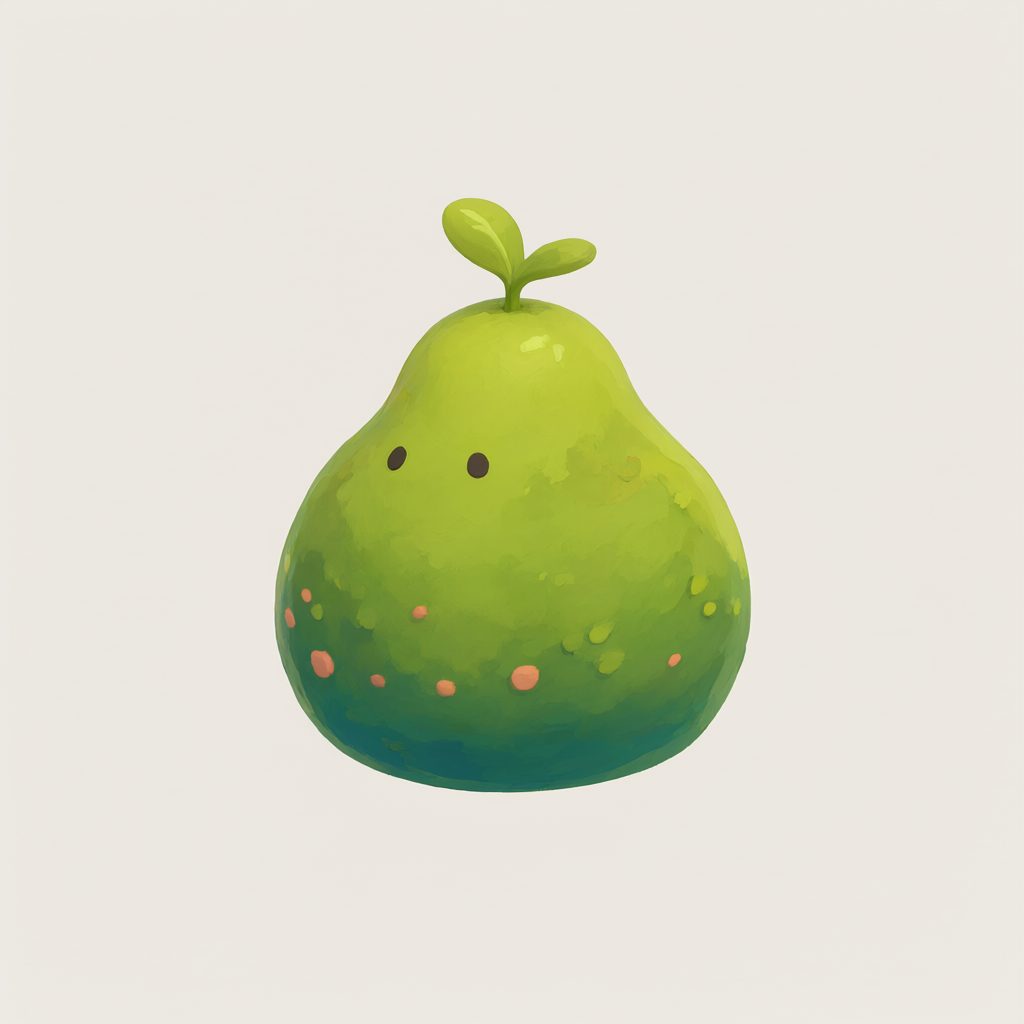
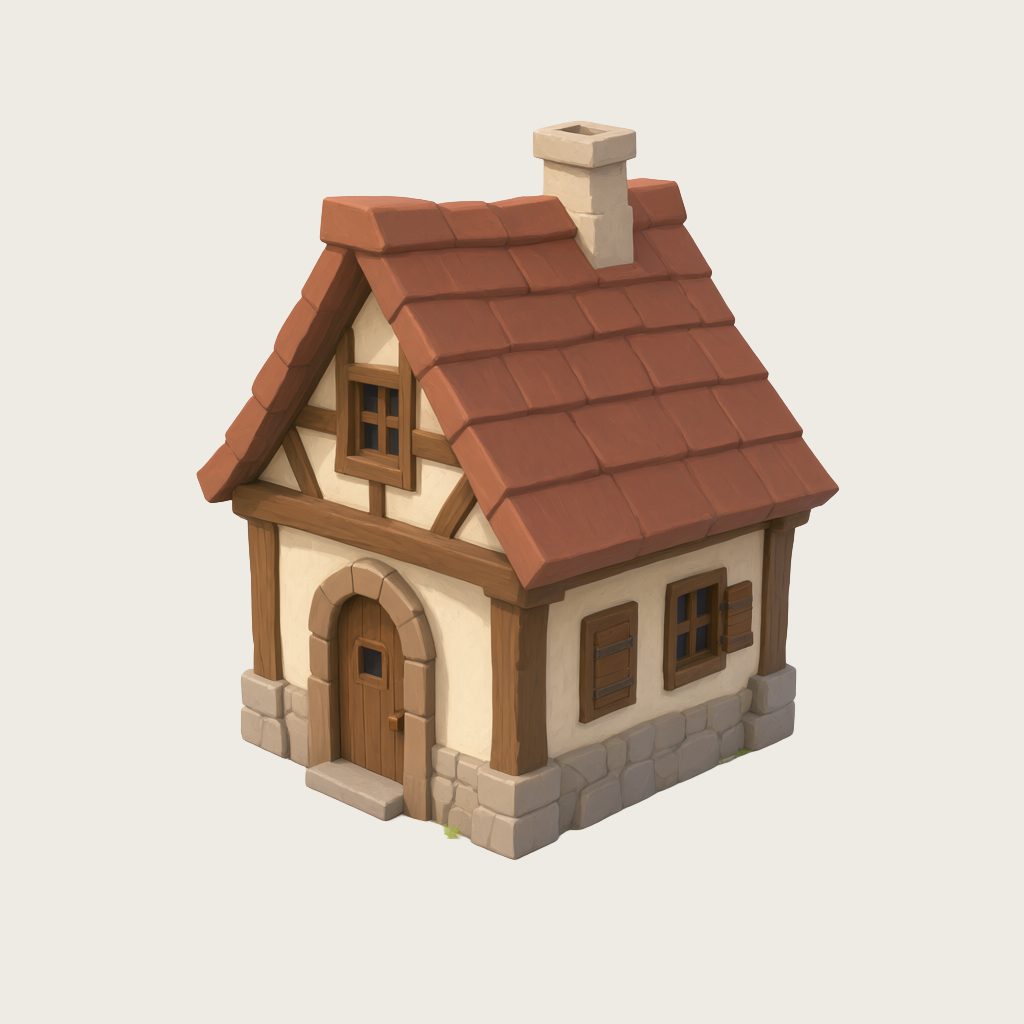
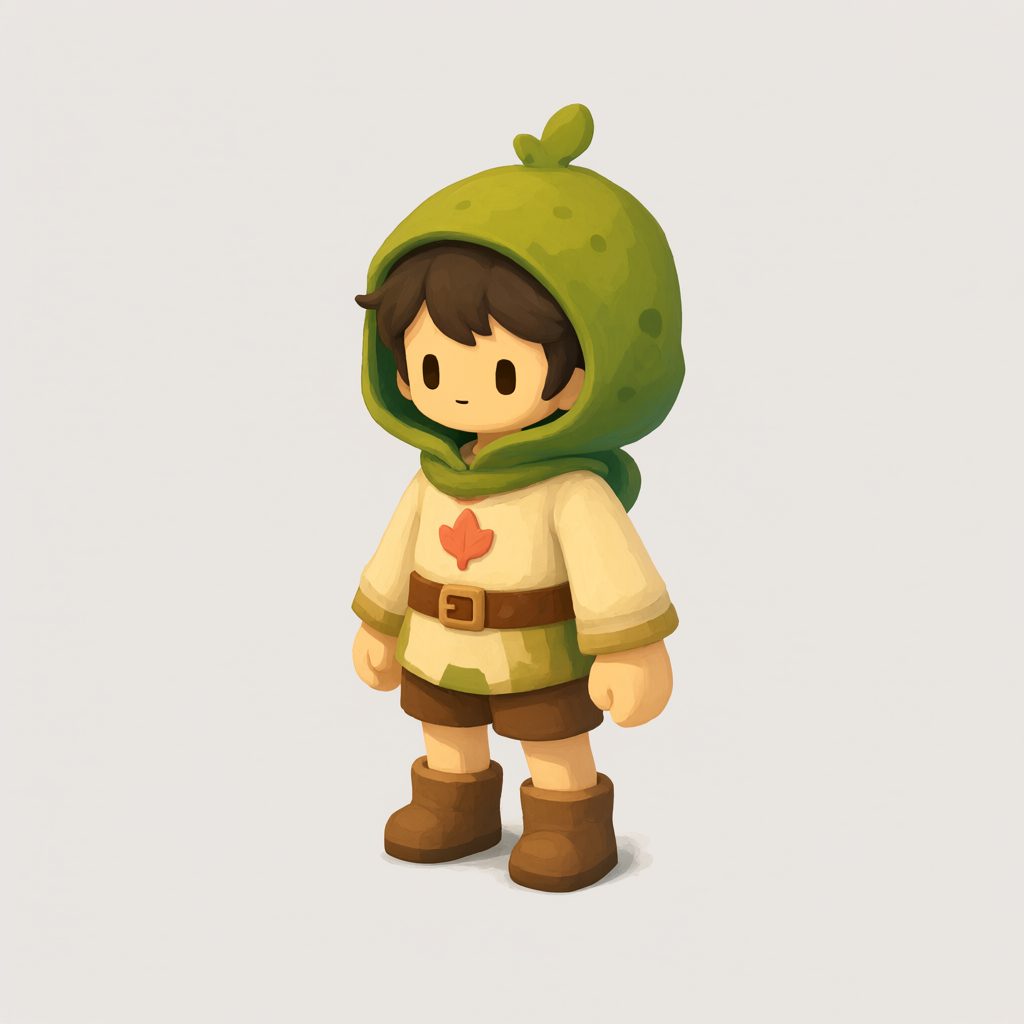
    Concept images: Qwen Image 2.1 in ComfyUI

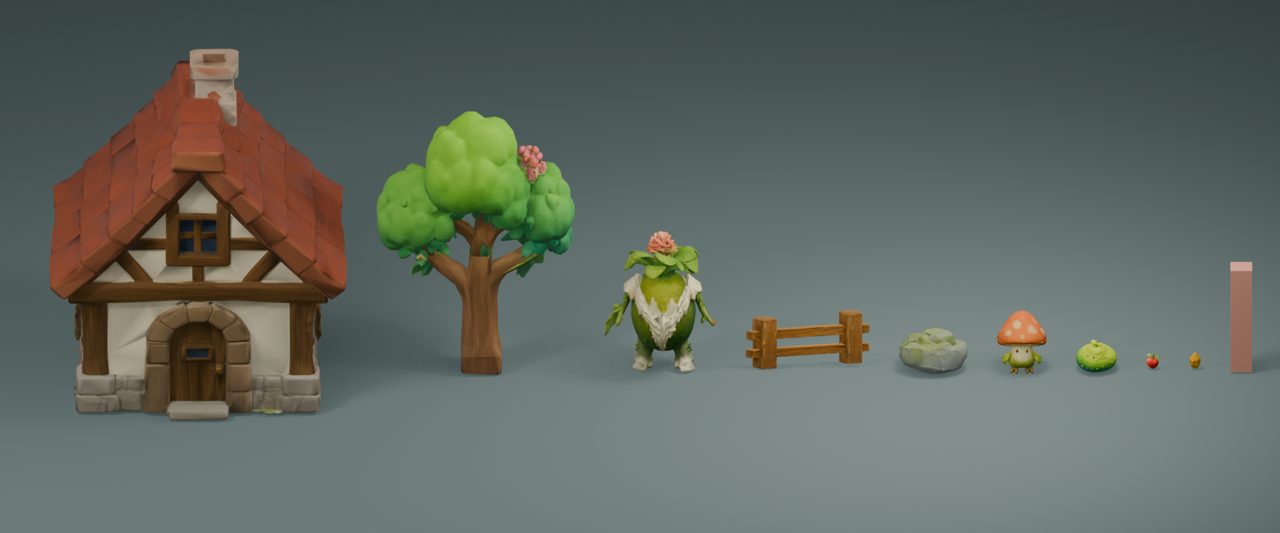
    Kimi wrote a shared style prefix and one prompt per asset, generated them, and reviewed its own takes. It rejected 27 for shadows, cut-off parts or text and kept 10.

  2. 2

    Image to 3D: TRELLIS.2 + UltraTex in ComfyUI

    Each image becomes a watertight mesh, a low-poly game model with a baked normal map, and UltraTex textures, in one workflow. Kimi optimized my existing workflow for game assets first.

  3. 3

    Cleanup: Blender, live through MCP

    Real-world size, pivot at the base, facing, collision meshes, GLB export. Nine props and the terrain in 30 minutes.

  4. 4

    The game: Godot 4

    Level, camera, combat, monsters, loot, a two-phase boss and the HUD. Then Kimi wrote a bot that plays the whole level with real inputs to test it.

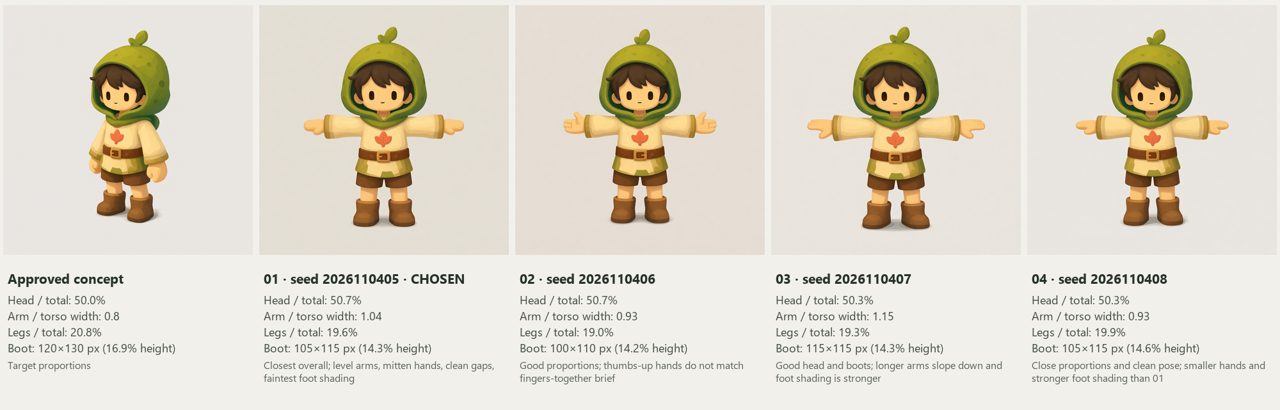
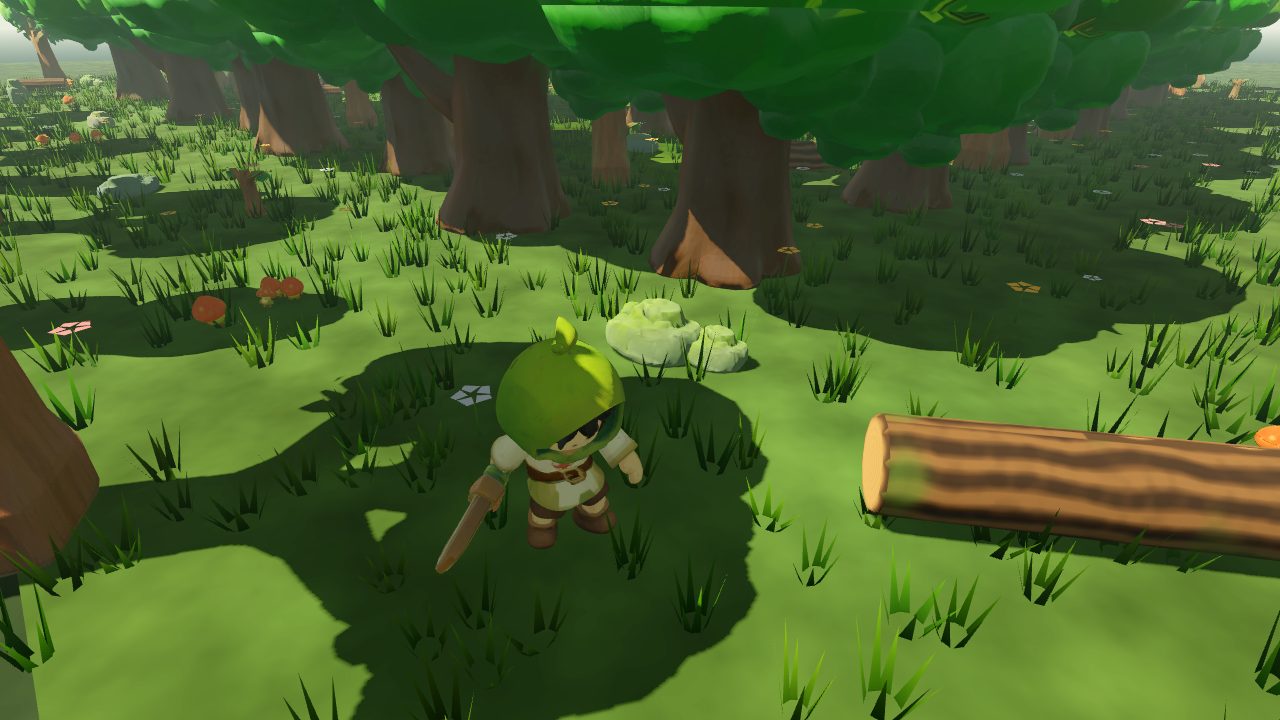
The hero was the one part I did by hand: I rigged and animated Rowan in ActionForge.

From first level to finished game

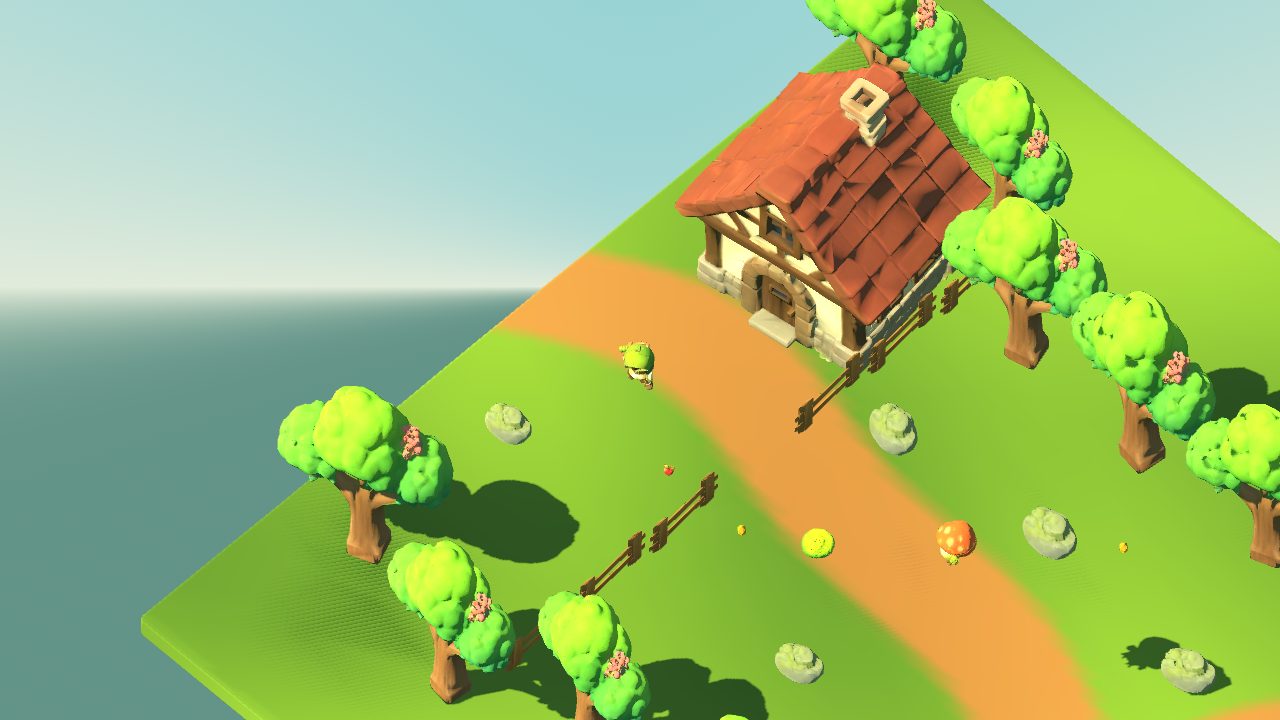
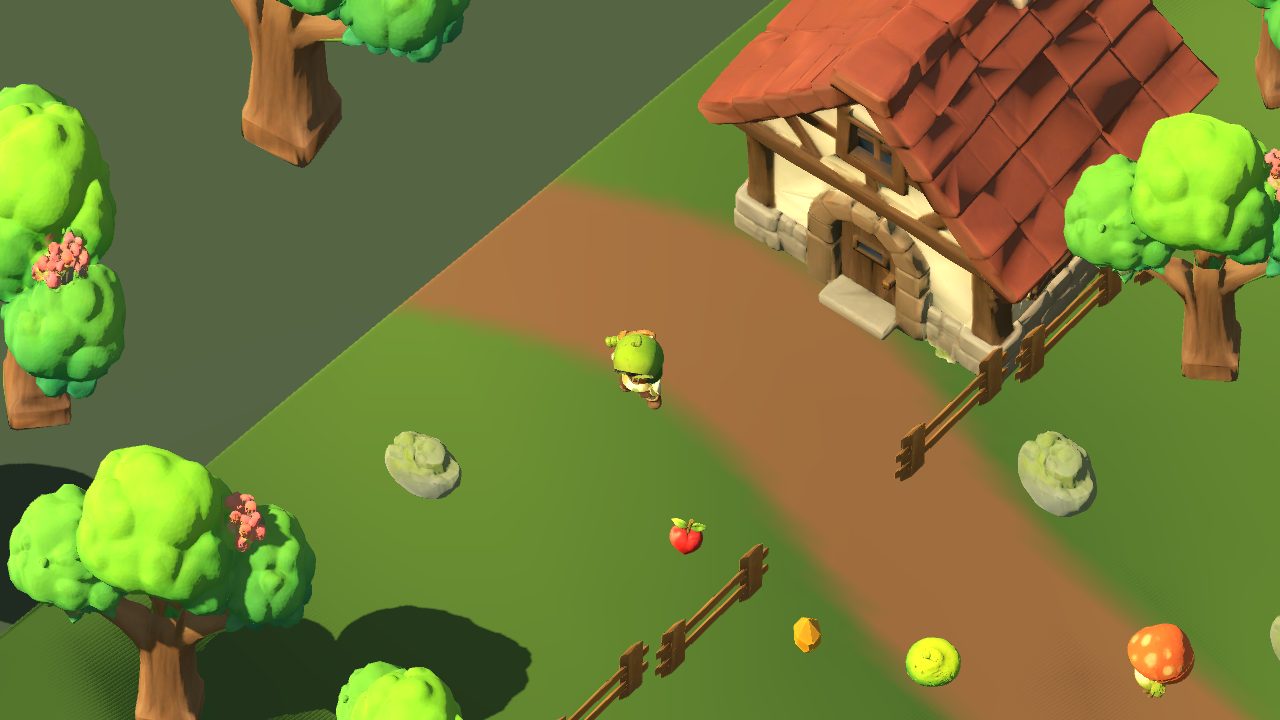
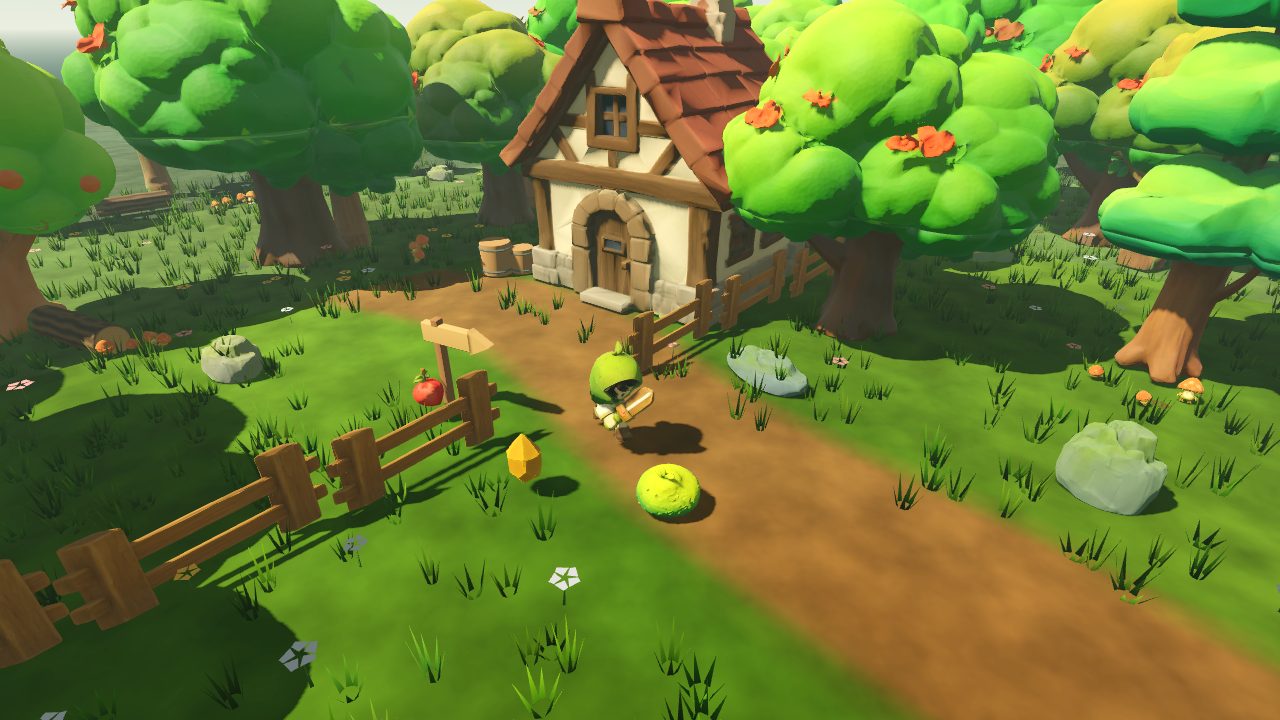
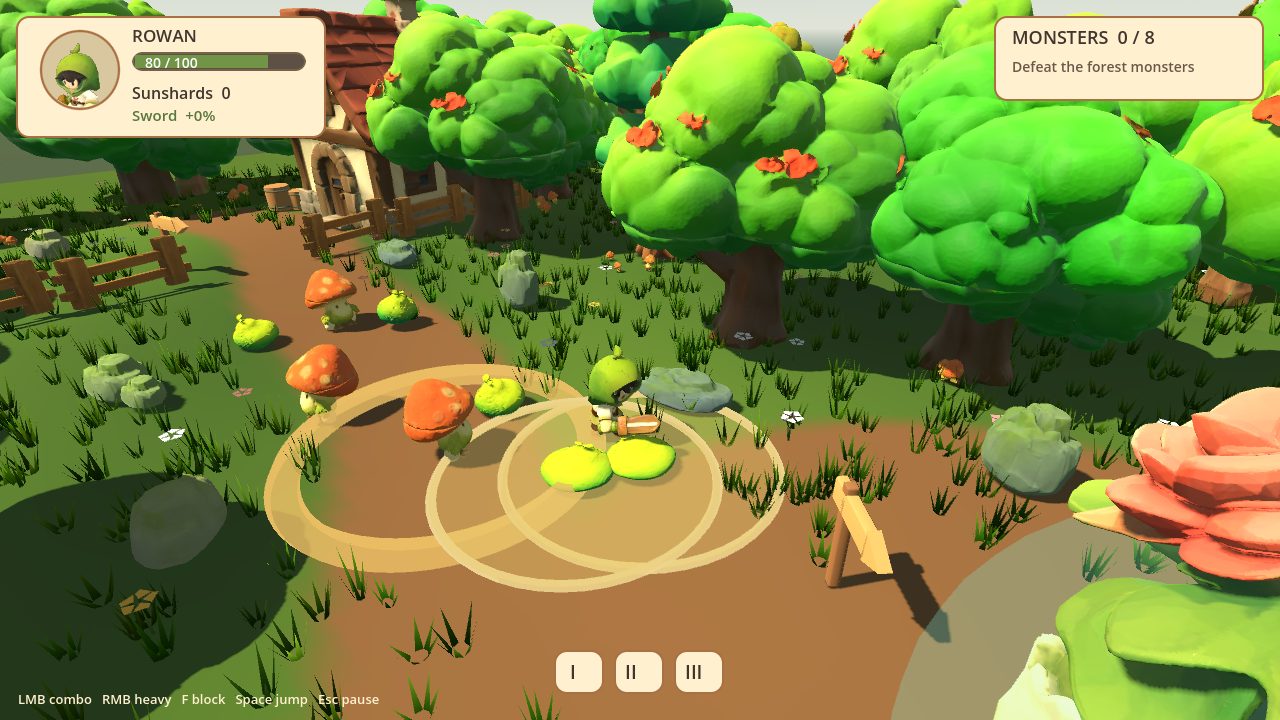
The first playable level came fast. Making it look right took me playing it and writing down everything that felt off, because Kimi's own screenshot reviews passed almost all of it.

What you need

The setup in short

Install the Kimi Code CLI in PowerShell, log in, and pick K3.1 Pro with /model. (K3.1 Pro Highspeed is faster, but costs 2× the usage. I used the normal one.)

irm https://code.kimi.com/kimi-code/install.ps1 | iex
kimi login

Then add three MCP servers to %USERPROFILE%\.kimi-code\mcp.json: comfyui-mcp and @coding-solo/godot-mcp through npx, and blender-mcp through uvx, plus its add-on inside Blender. Start Kimi, type /mcp, and all three should show up as connected. The step-by-step setup has the full config file and a troubleshooting list.

What Kimi changed in my workflow

Kimi started from my prop workflow, ran it unchanged as a baseline, and then changed one setting at a time. The result was about 19% faster on the fence test, with the same quality.

SettingMy originalKimi's version
High-poly cap (LODTailor)6,000,000 tris50,000 tris
WTiVo final_res15361024
Final low-poly target2k tris4k tris

Both workflows, the concept workflow and the hero T-pose workflow are free on GitHub.

The rules I added to every prompt

Without these, Kimi "fixed" my setup on its own: on day one it patched two custom nodes because my C: drive was full.

- Use only the tools, nodes and models that are already installed. Don't install anything, restart ComfyUI or Blender, kill processes or edit custom-node code.
- If something blocks you, stop and tell me what and why.
- Measure, don't guess.
- Look at every visual result yourself before you call it done.
- Finish with a short summary: what you did, where the files are, what failed.

All ten prompts, from game design to the final sword fix, are on the prompts page.
What I learned

Prompts as files

A long pasted prompt arrived cut off. Save it as a Markdown file and say "Read prompts/task.md and do the task."

Measure, don't guess

Kimi is strong at anything it can measure. Guessing put the sword 25 cm from the hand; measured targets fixed it.

Check every visual yourself

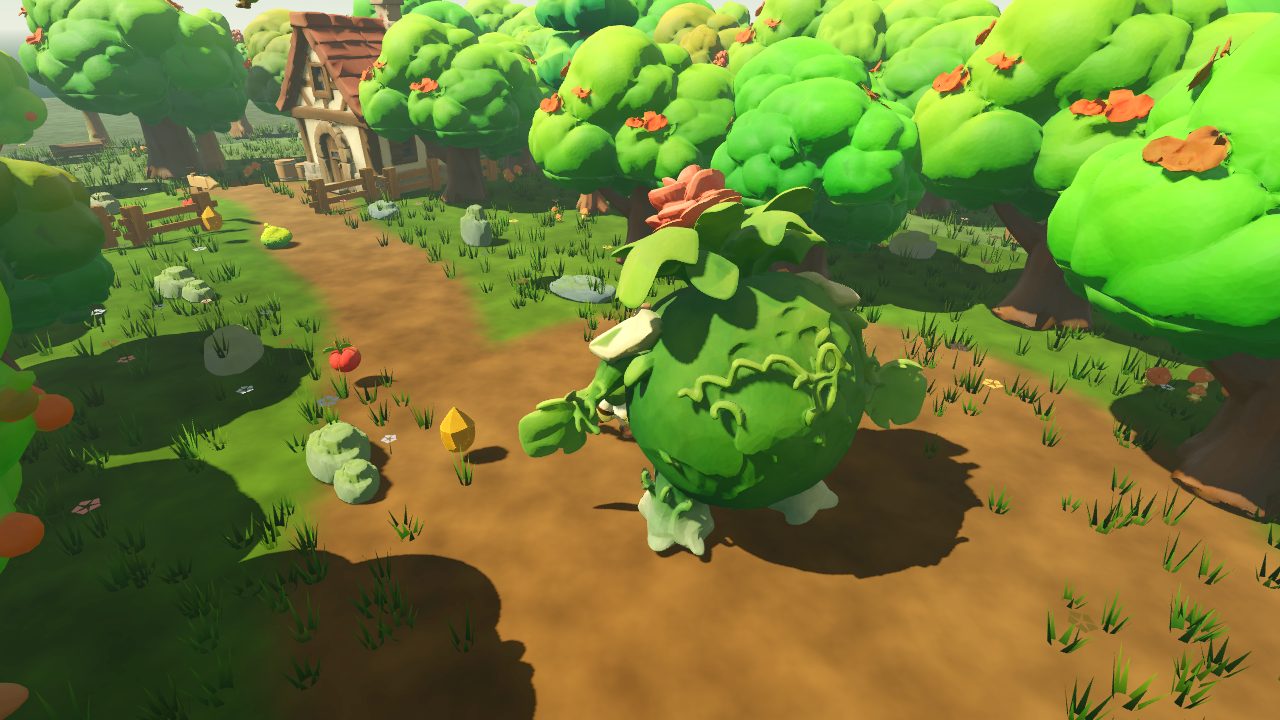
Its reviews passed a boss with a hole, oversaturated colours and a sword through the hood. I caught almost every visual problem.

Draw three-quarter views

Image-to-3D builds what the picture shows. A flat front-view tree became a slab. Use square, three-quarter concepts.

Name the exact error

"Fix the MCP connection" made Kimi break the one server that worked. With the error message, it fixed the config in minutes.

Let it test its own game

The automated playtest was the highlight: a bot that clears the level and checks 21 things after every change.

Licences

The model weights of Qwen Image 2.1 (concept images) and FLUX.2 [klein] base 9B (UltraTex textures) are under non-commercial licences. The images and textures you make with them can be used commercially: Black Forest Labs' licence says you may use outputs for any purpose, including commercial, and Qwen confirmed on X that outputs aren't part of the licensed materials and that you keep the rights to what you generate. I'm not a lawyer, though: read the licences yourself and make your own call before you use this commercially. Details are on the requirements page. The watertight, low-poly and baking nodes are by MostAadTech; please support him.

Rebuild it yourself

Workflows, the MCP config, all prompts and the full setup guide are free.